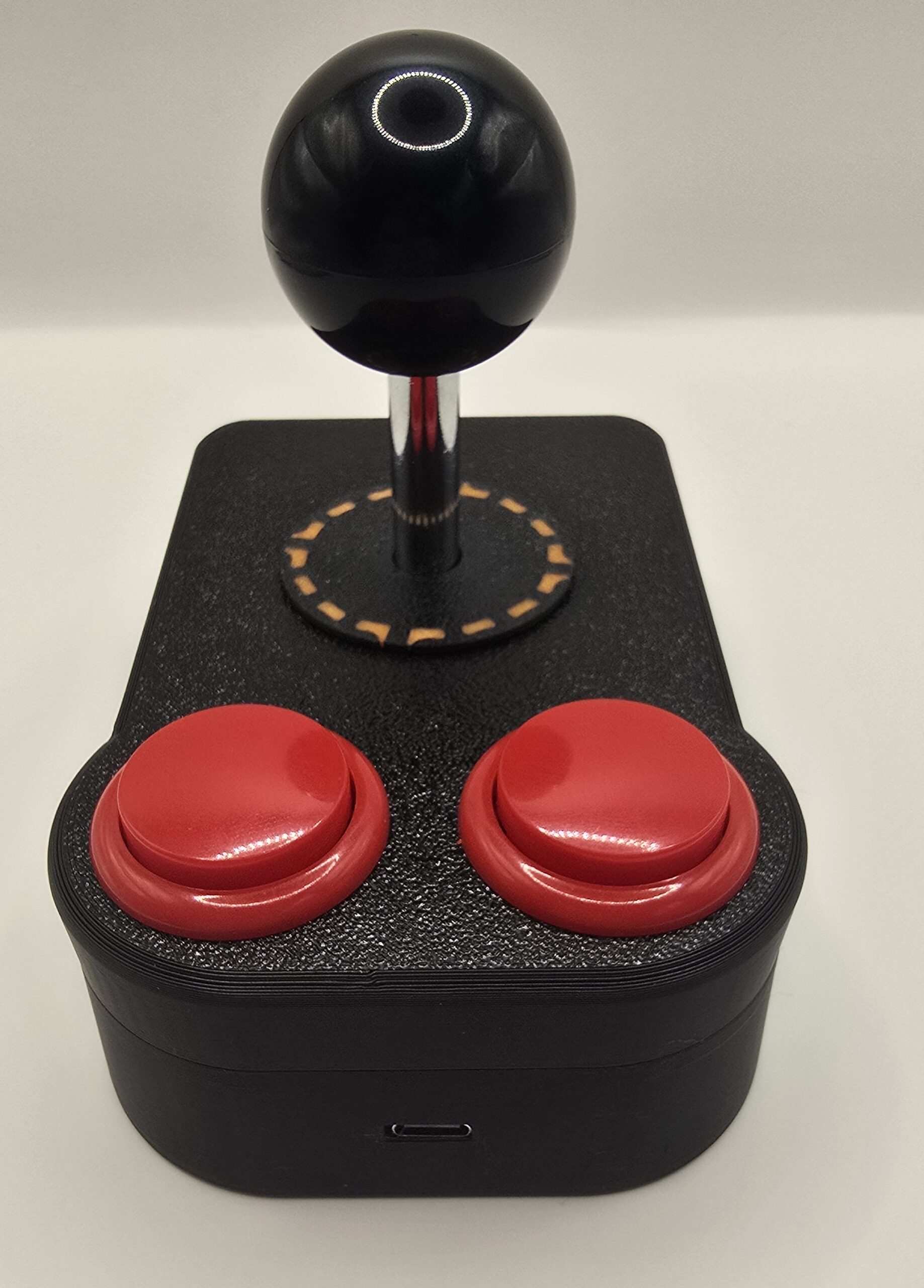
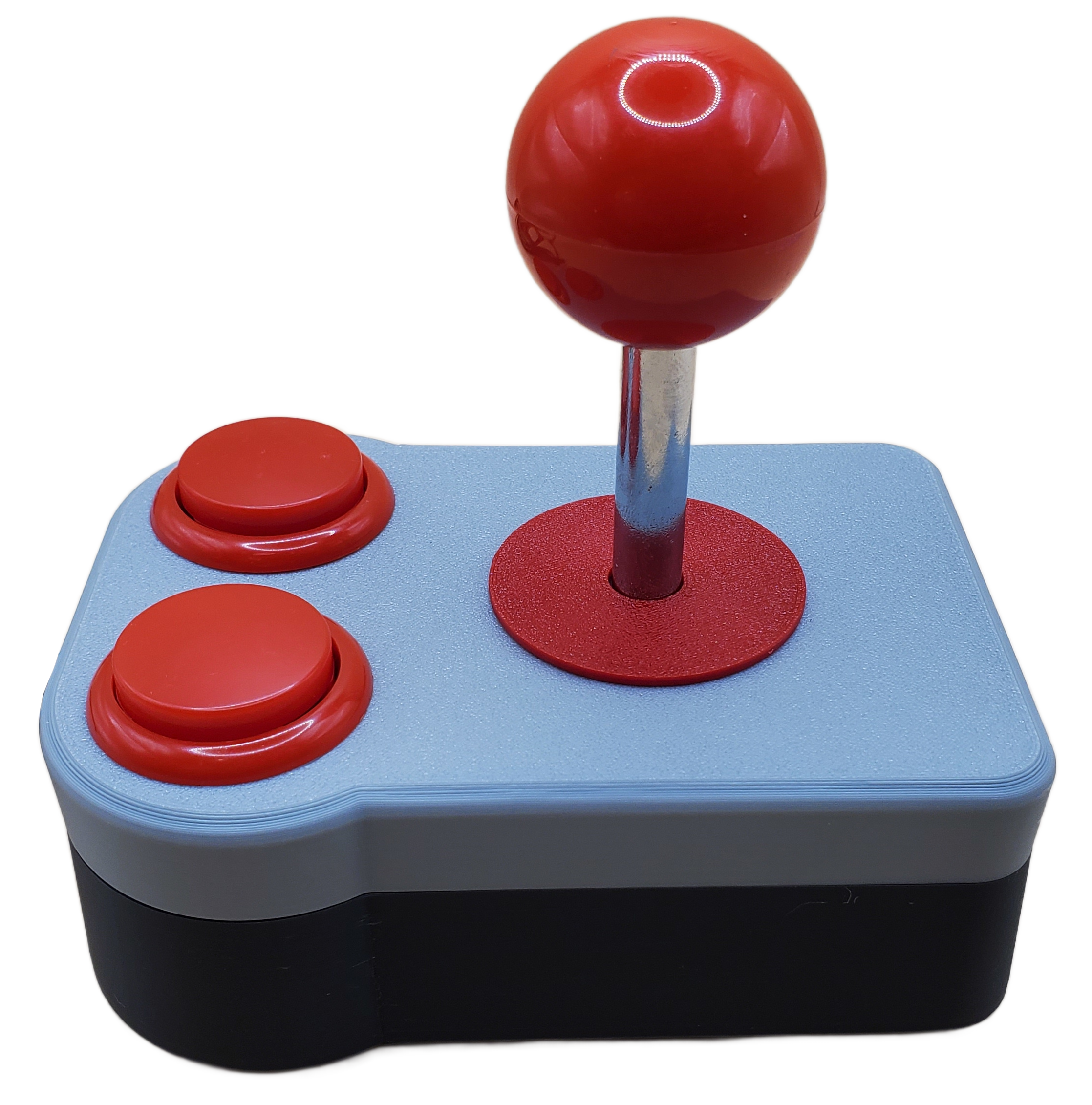
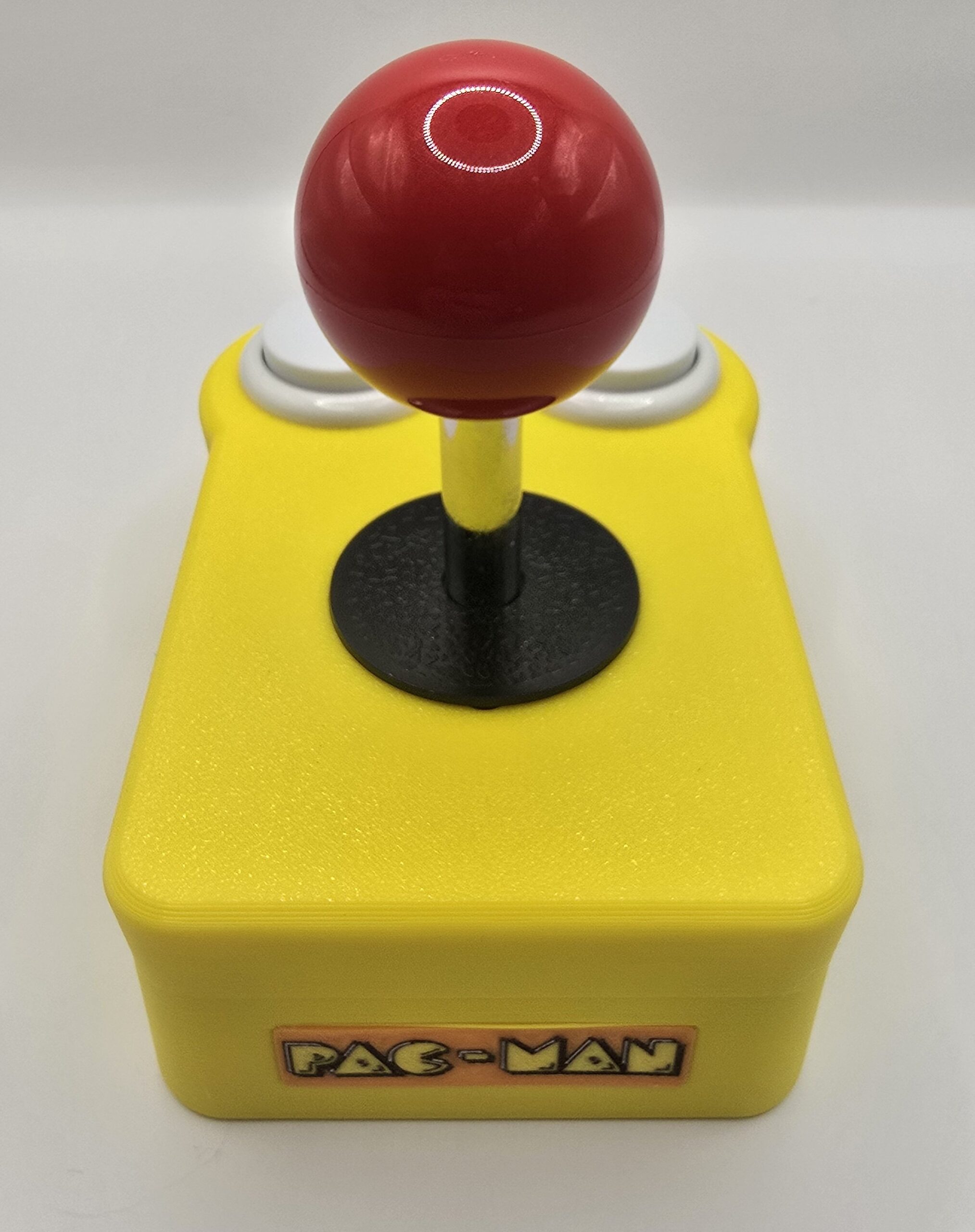
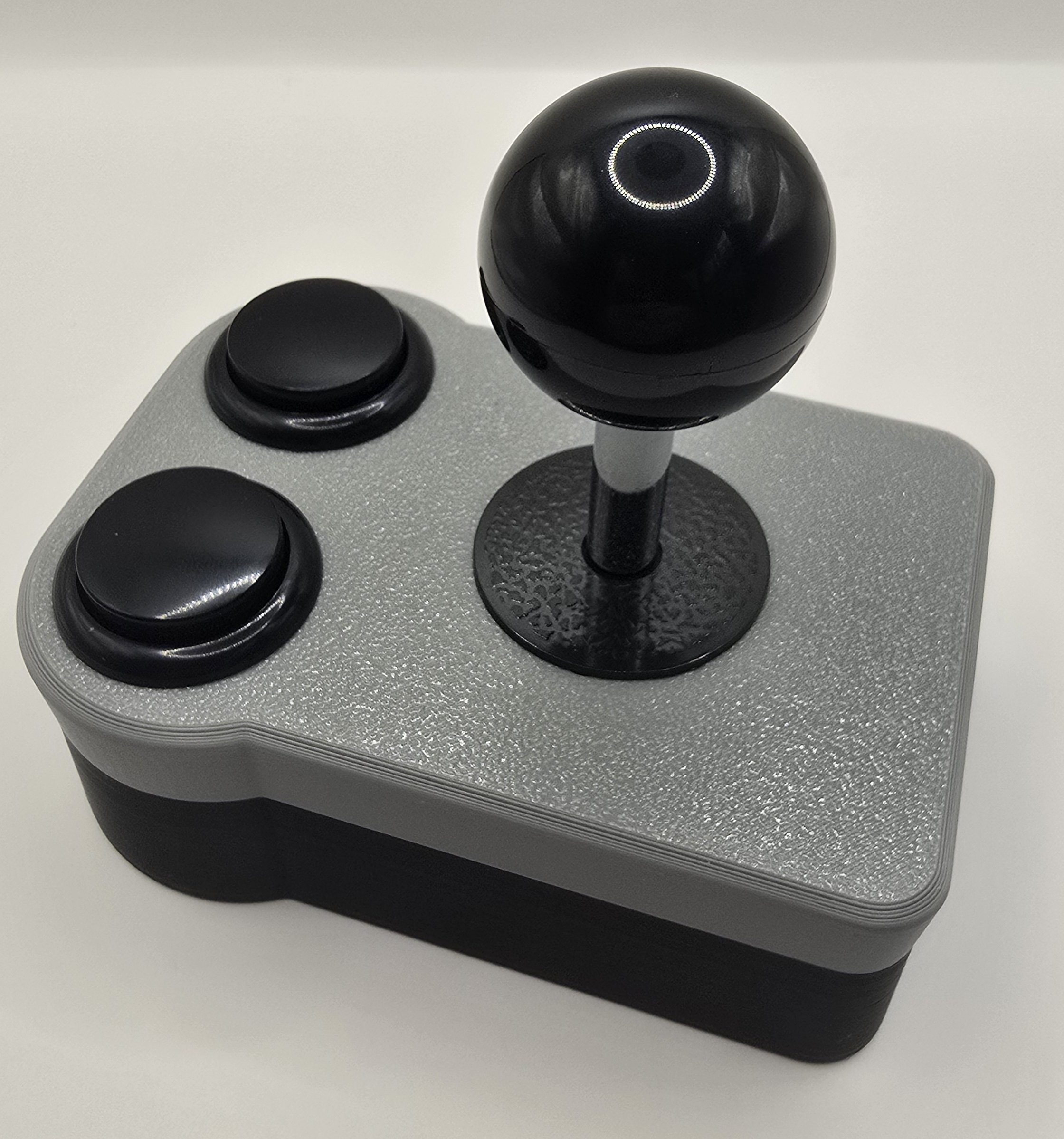
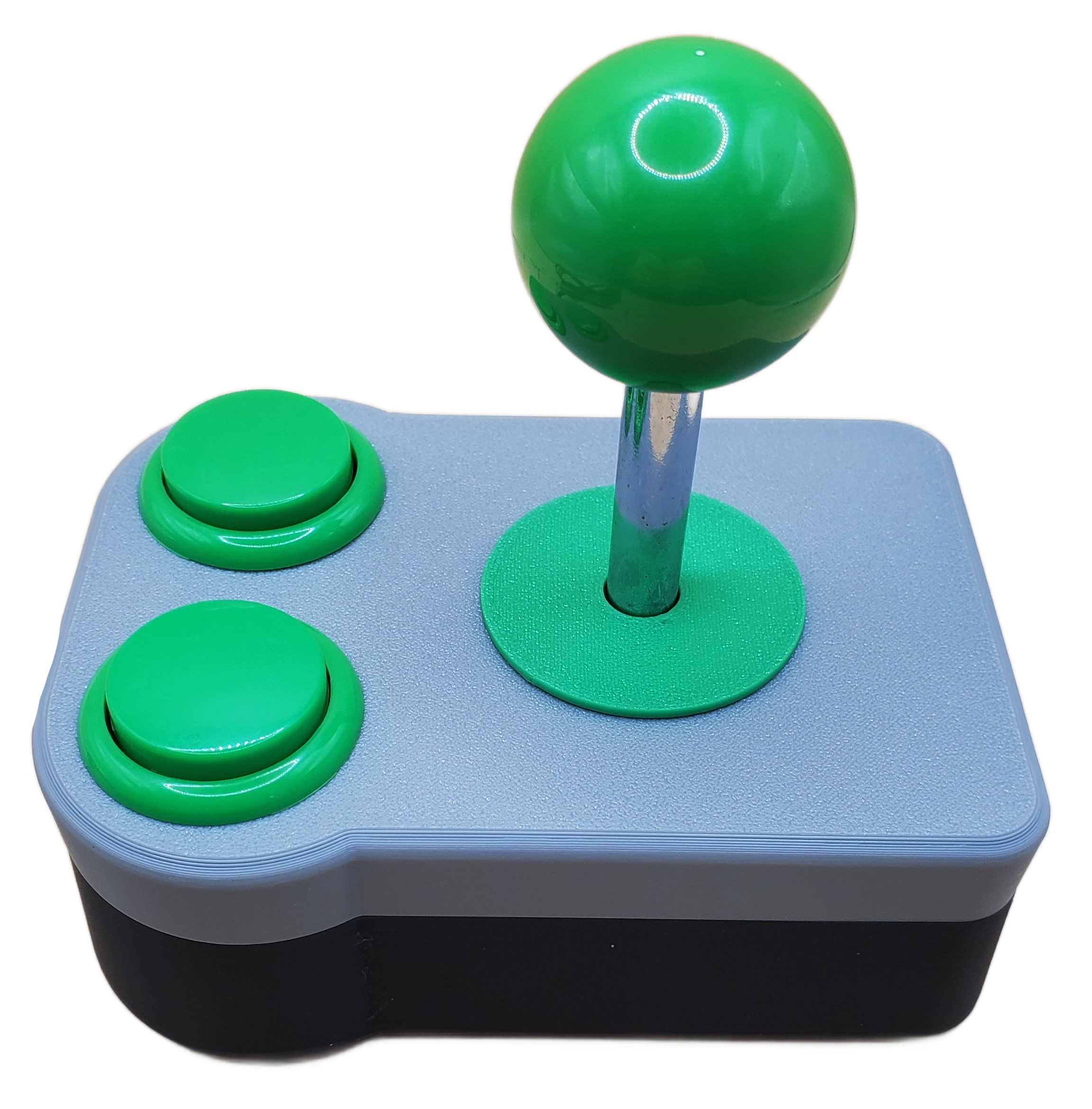
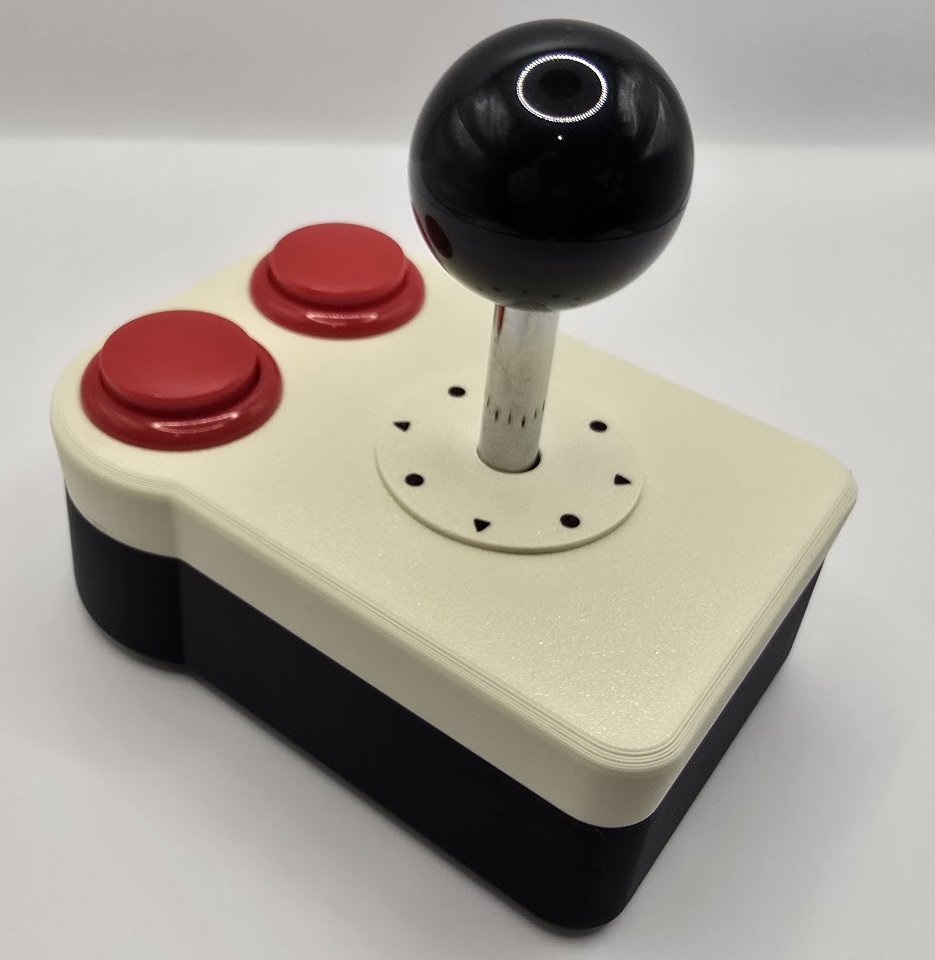
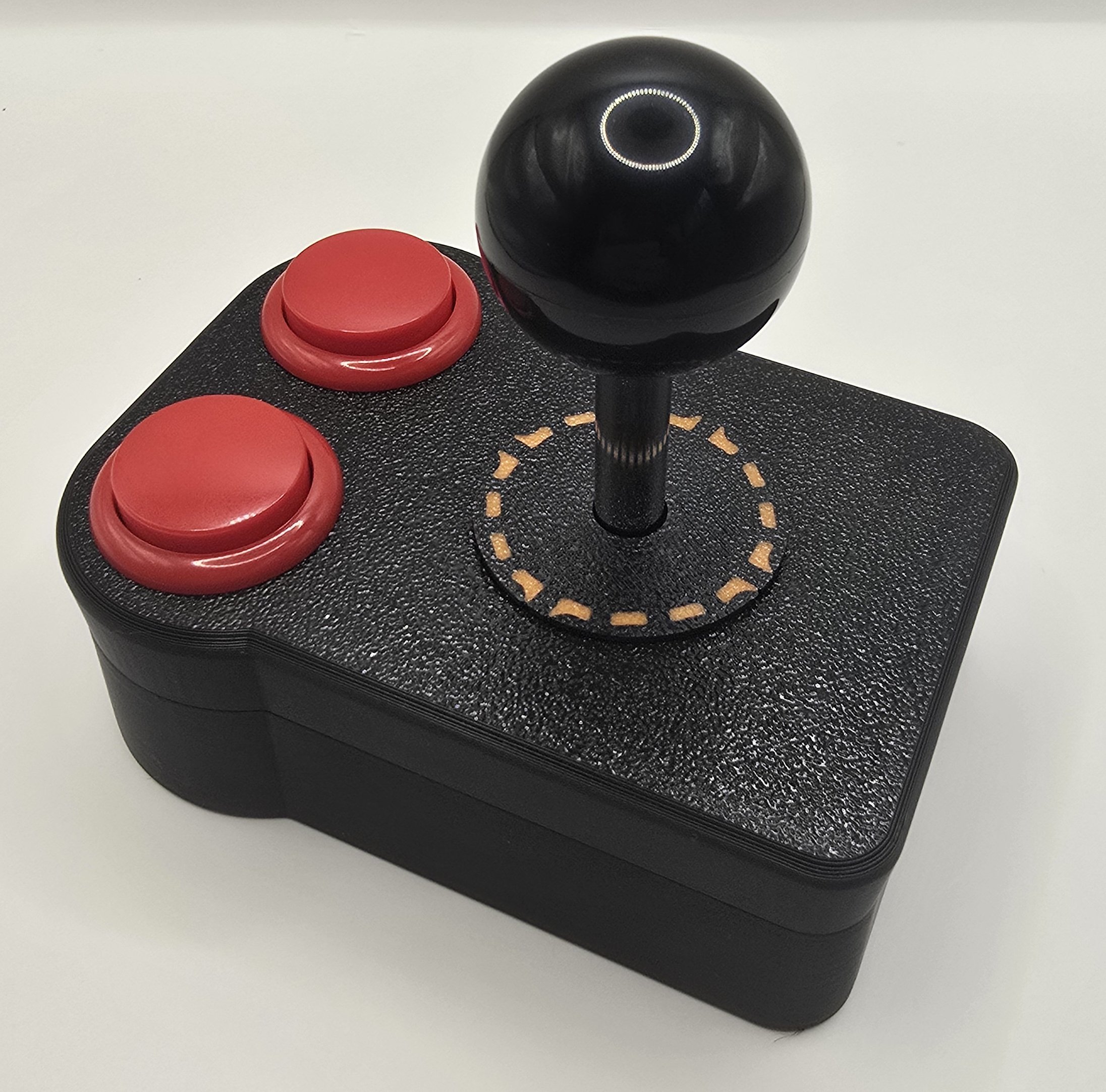
We have a new USB joystick that we put into our popular Atari 2600 joystick enclosure. We designed our own small PCB to allow us to fit USB controls into our joystick. We offer six different color variations.
We use the GP2040-CE project in conjunction with our custom PCB. The joystick comes configured to look like an XBox 360 controller (Xinput).
It comes with a 6 foot USB-A to USB-C cable. You can use your own cable if you prefer. Some systems might require a USB-C to USB-C cable.
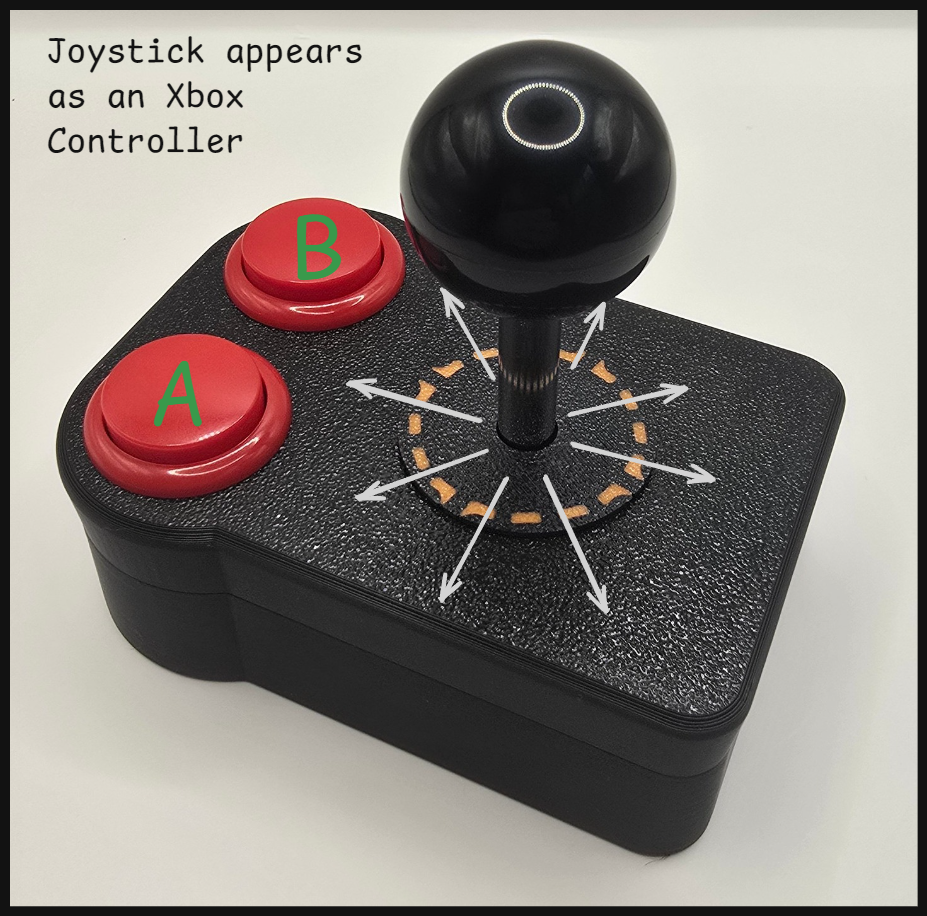
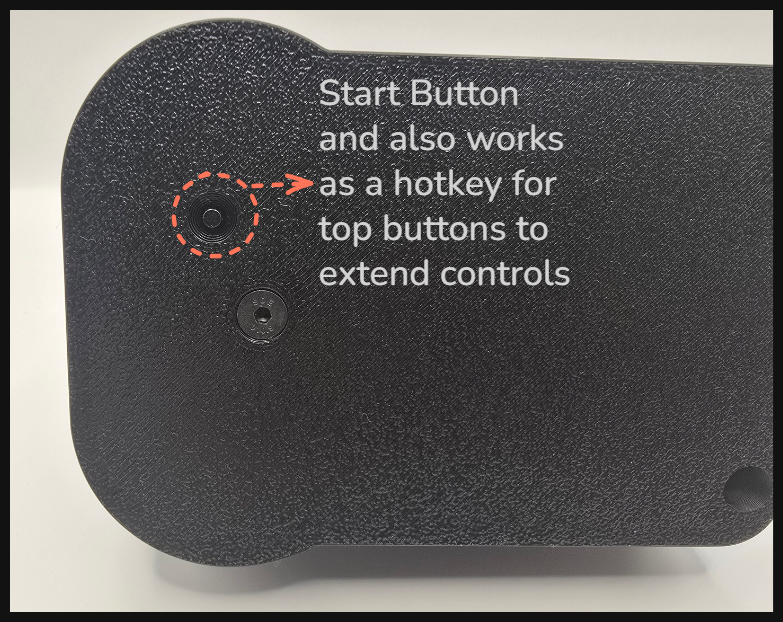
- Above top picture shows normal operation.
- Second picture shows the start button on the bottom of the joystick.
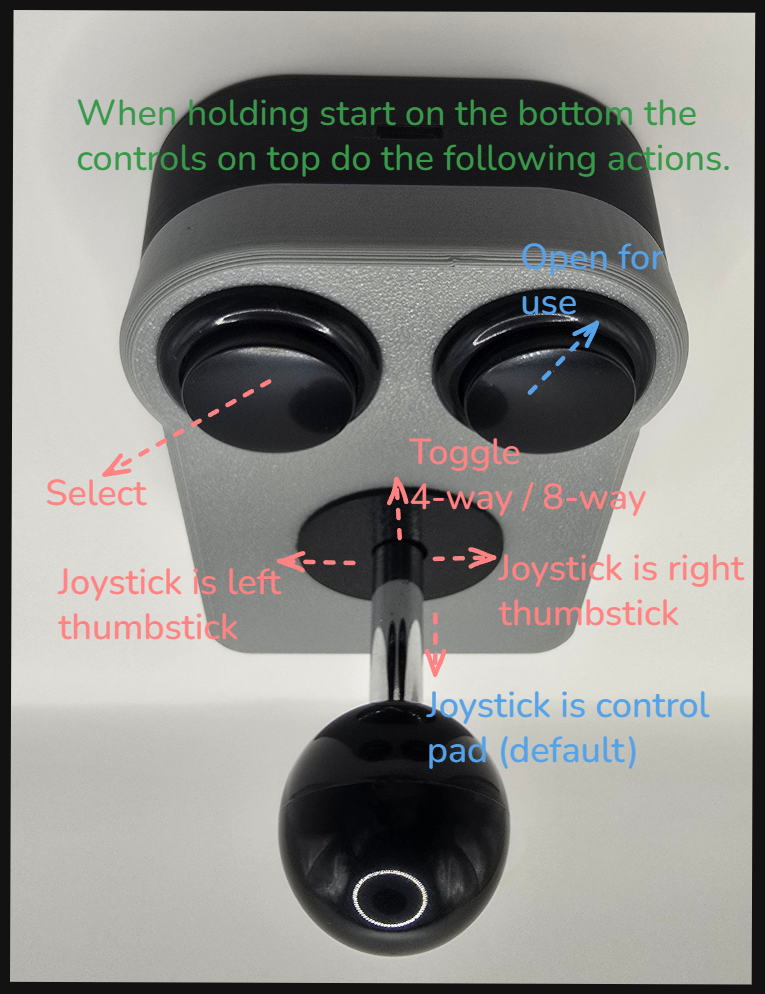
- Last picture shows the hotkeys functions available by holding the start button and pressing the top buttons or moving the joystick.
Holding the bottom start button and pressing the left top button will send a select button press.
Holding the bottom start button and pushing the joystick up (north) will toggle between 4-way and 8-way. The joystick comes by default in 8-way mode. Once you toggle into 4-way mode the joystick will remember those settings even after unplugging and replugging it in.
Holding the bottom start button and pushing the joystick left (west) switch it so the joystick looks like the left thumbstick. Likewise pushing to the right (east) while holding the bottom start button will make the joystick look like the right thumbstick. Again this setting holds even after unplugging and replugging in the joystick.
Holding the bottom start button and pushing the joystick down (south) puts the joystick back to its default mode where the joystick looks like the d-pad. Again this setting is retained on power down and up.
If you wish to reconfigure your joystick to custom settings, the GP2040-CE software allows this. You just hold the start button on the bottom as you plug it into your computer. Then you can go to your browser and go to http://192.168.7.1/ to access the web interface.
WARNING: If you delete or remap buttons you could make your joystick unresponsive, or unable to re-enter web configuration. We strongly encourage you to contact us if you are unsure of things. Worst case if you render the joystick where you can’t re-enter web mode, you can open the joystick and hold a button on the RP2040-Zero when you plug it in to erase and re-flash the GP2040-CE firmware. If you would need help with this, please contact us at help@techdungeon.xyz